
How to check username availability or name availability in multiple social networking sites and social bookmarking sites? When you start building your online presence through brand promotion, you will need a consistent username across all social media services. But often people find it difficult to get the same user name for all the popular social networking services. So before starting the promotion exercise you can check the availability of a particular name in social networking and social bookmarking sites.
Let us check some of the popular online free services which helps us to find the username availability on popular social networking and social bookmarking websites. These services helps to promote your brand consistently by registering a username that is still available on the majority of the most popular sites.
1. Namechk: Check Username Availability on Social Networking Sites
Namecheck is a simple but powerful service to check username availability across 80 popular social networking and bookmarking sites. Namecheck is a simple but effective service that allows you to check the availability of a username on more than 80 popular social networking and social bookmarking websites.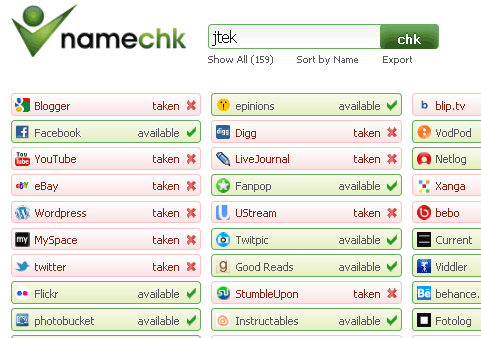
Try Namechk
KnowEm :Check Social Media Services Username Availability
KnowEm allows you to check for the use of your brand, product, personal name or username instantly on over 550 popular and emerging social media websites. Search over 550 popular social networks, over 150 domain names, and the entire USPTO Trademark Database to instantly secure your brand on the internet. It also provides the Common Domain Name Availability.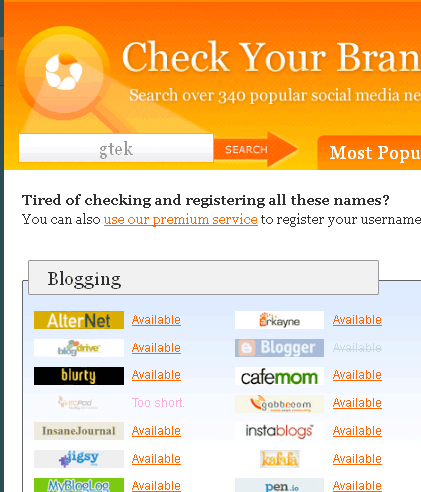
Try KnowEm
CheckUserNames: Check Social Media Services Username Availability
CheckUserNames is Powered by KnowEm. Check Usernames allows you to check the availability of your brand or username on 160 popular Social Networking and Social Bookmarking websites.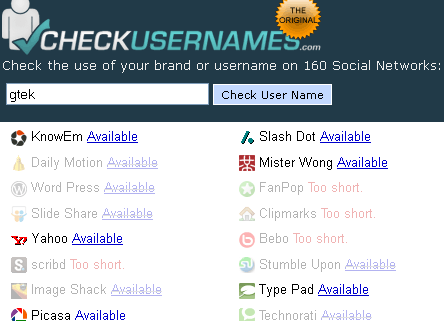
Try CheckUserNames


Before you go, subscribe to get latest technology articles right in your mailbox!.